Simplify casting with digital audition software

Auditions and hiring made easy. Transform your hiring process for roles onstage, backstage, and front of house.
Create a FREE profile. No credit card required.
From the company trusted by the world’s most recognizable entertainment companies.

STAGE DOOR FOR CASTING DIRECTORS

All the tools you need to cast your show.
Everything you need to manage auditions and hiring from start to finish.
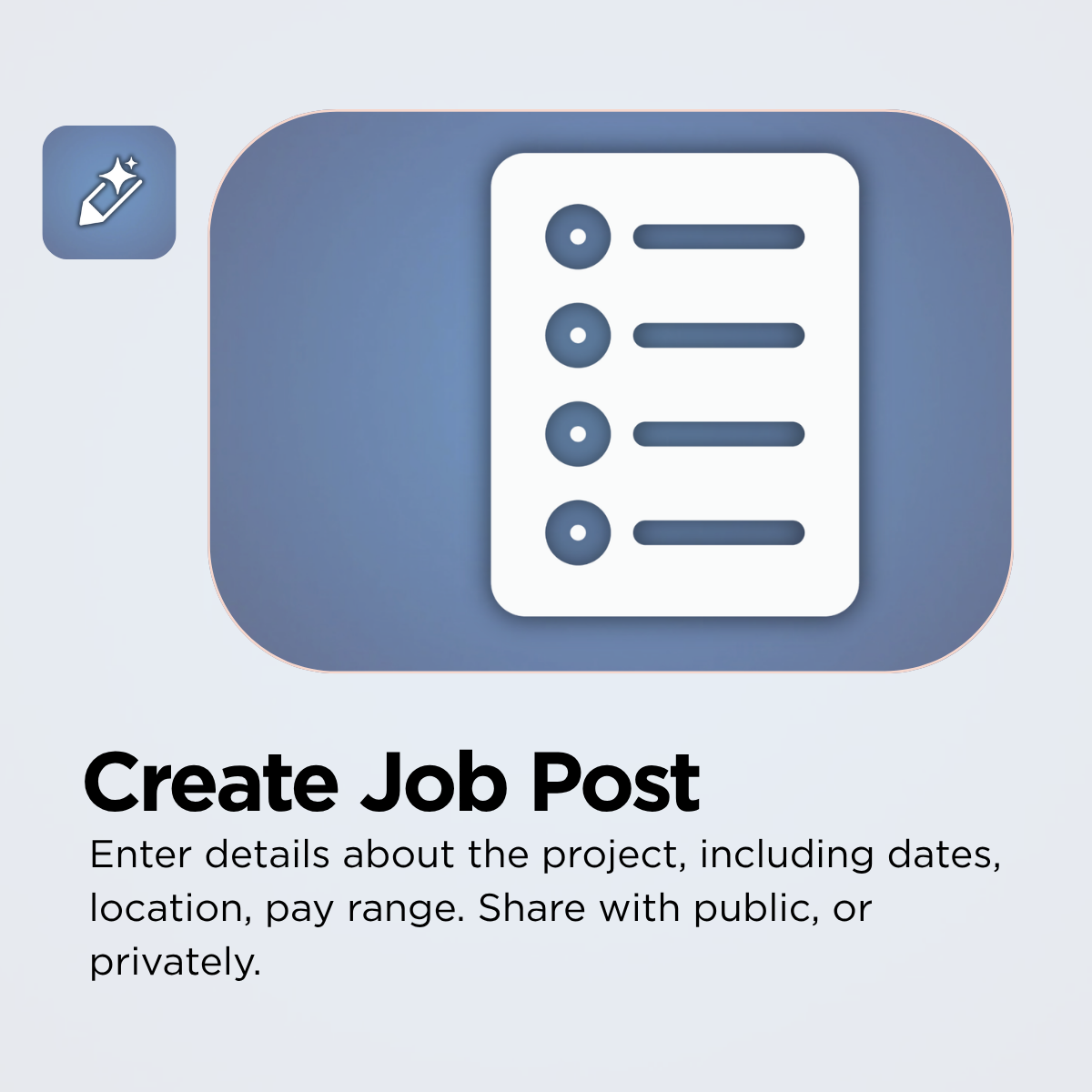
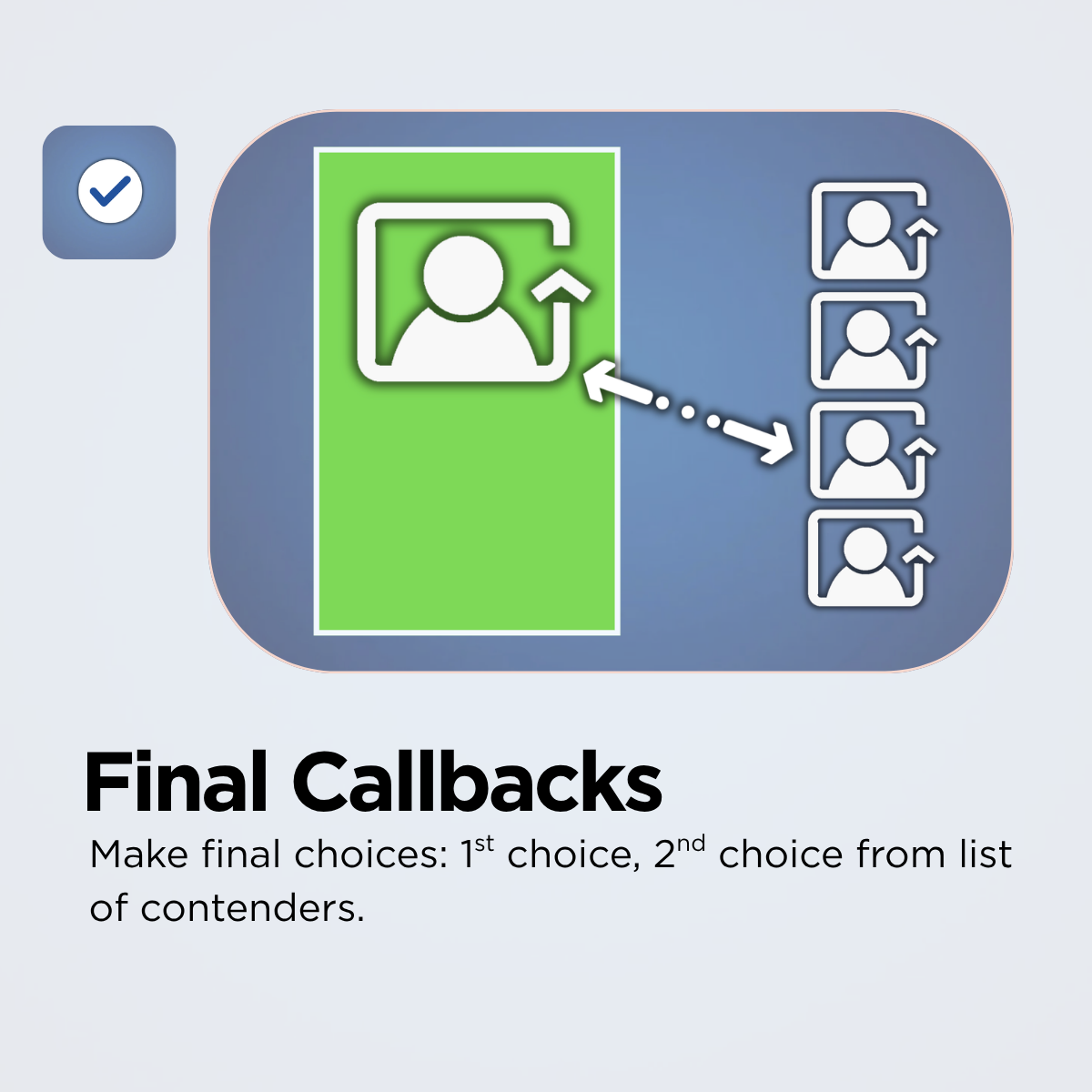
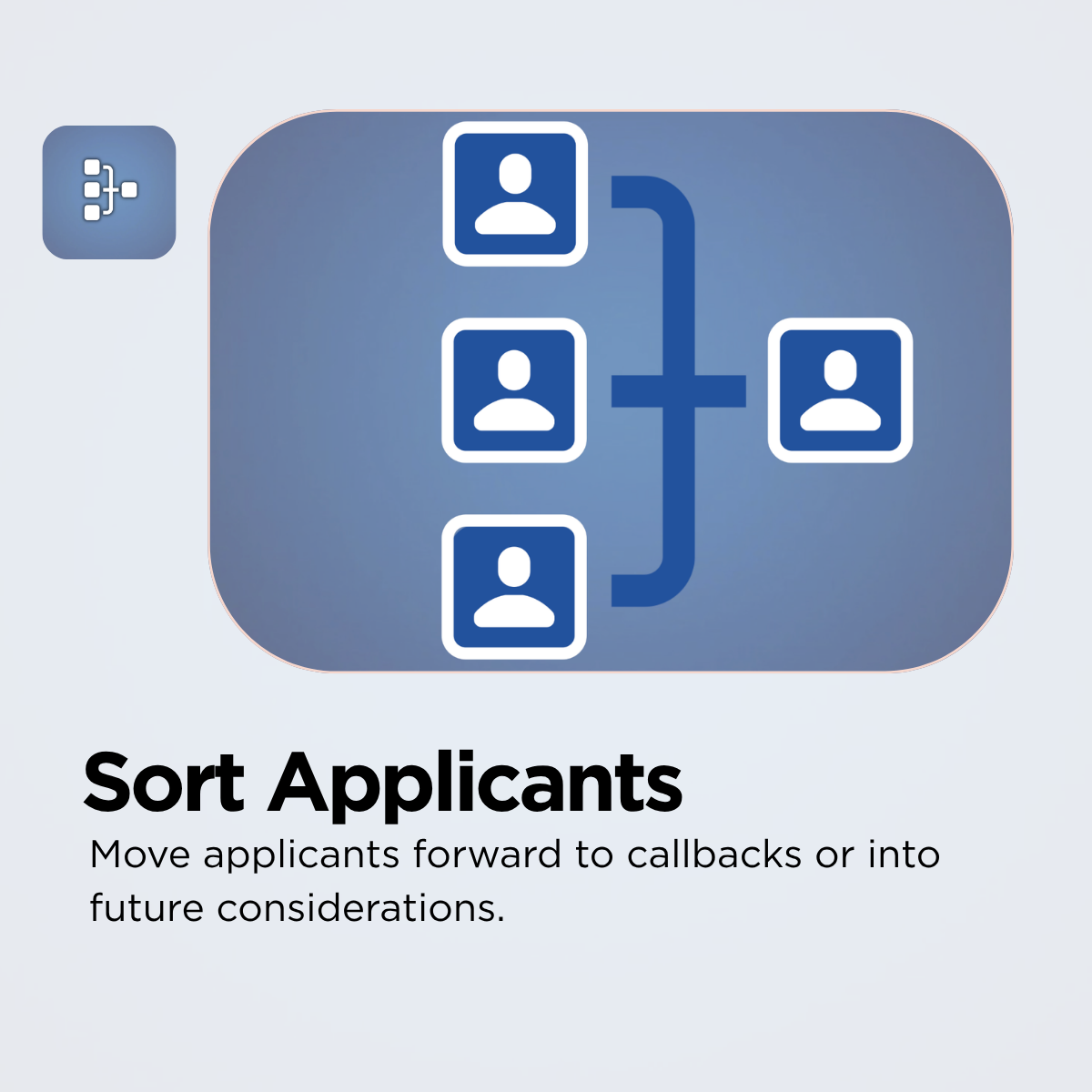
Create Job Post > Manage Applicants > Coordinate Callbacks
TRUSTED BY OVER 200k THEATRE MAKERS:
Our software has supported the entertainment industry for over 15 years, representing over 150 Broadway shows, and the most recognizable entertainment companies around the world. The introduction of Stage Write Software has shaped innovation in the creative community in part because it is built by individuals from within our own industry, by a team who understands the particular needs of the fast-adapting industry. Our other solutions include Bway Headshots, Bway Printing, Broadway Resource Guide.



















STAGE DOOR FOR THEATRE PROFESSIONALS
Find creative work without paying
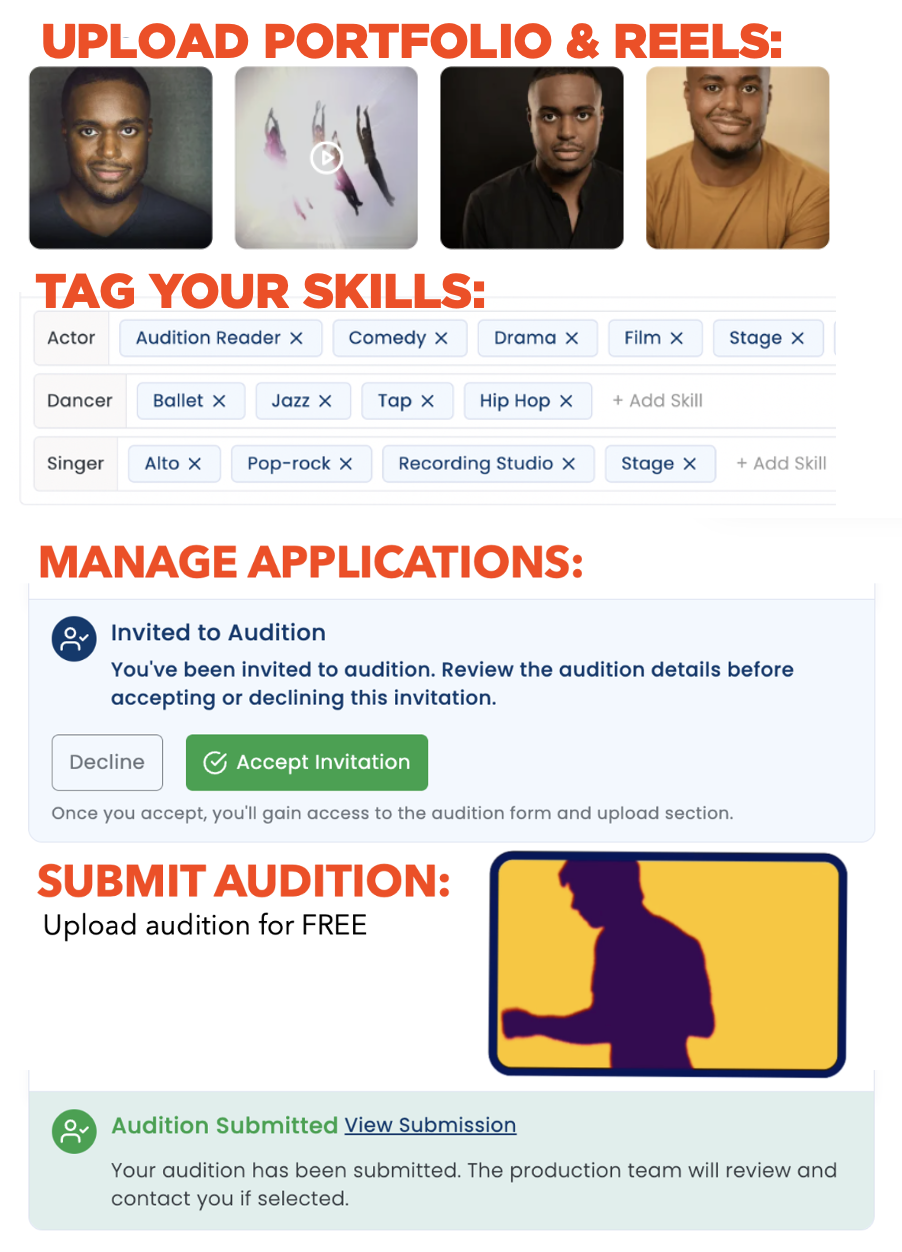
Add unlimited media, photos, to your professional profile.
Find and apply for creative work at no cost.
Create Profile > Apply for Work > Manage Applications
-
Get noticed with your complete profile, which is completely free, including:
PORTFOLIO:
Add as many photos and videos to fill in your portfolio. Note that your profile will not appear in the database without at least one photo.RESUME/BIO:
Include your credits in the system and upload a PDF of the resume.SKILLS/TRAITS:
Self-identify your skills, training, physical traits to allow casting to learn about you and about your abilities.CREATIVE GOALS:
Be sure to indicate what types of contracts you are most interested in. This will assist us to only send you matches with jobs that match your goals.RECOMMENDATIONS:
Ask your colleagues to write a recommendation about you and your work. Hiring companies can learn a lot from reading about what others say about you. -
Search job-board for work that suits your creative goals and apply.
UNLIMITED APPLICATIONS:
There is NO FEE to submit to any job and no limit to the number of jobs you can apply to.SEARCH JOB BOARD:
You can filter the job board by location, contract type to browse the latest auditions. Mark your FAVORITES as you browse so you can go back later.TRACK APPLICATIONS:
You can see the status of the jobs you have applied for. -
Keep track of audition invitations.
AUDITION INVITATIONS:
Productions may send you an audition invitation. When you receive the invitation you can review the details and instructions. You can choose to ACCEPT or DECLINE the audition.UPLOAD AUDITION MATERIALS:
There’s no cost to upload the materials. -
Track what jobs your agent/manager has submitted you for. If they have submitted you for a role, you will not be able to apply on your own. If they have NOT submitted for you, you can apply on your own.
MANAGING DETAILS:
Your agent or manager will send you a notification in order to add them to their roster and submit you for work. You will need to CONFIRM their request prior to them adding you to their roster. You can always edit this if anything changes with your representation.
We designed
THE TOOL WE ALWAYS DREAMED OF
For over a 30 years, our senior team has worked to hire and cast productions
- on Broadway
- National Tours
- Regional theatres
- theme parks
- educational organizations
We created the tool we always wanted.
We are happy to share it with our community. Enjoy!
STAGE DOOR FOR AGENTS & MANAGERS
Track your clients through the process
Create Client Roster > Submit Clients > Track Progress
-
Add your clients by sending them a request. Once they have approved your request, they will appear in your client roster.
-
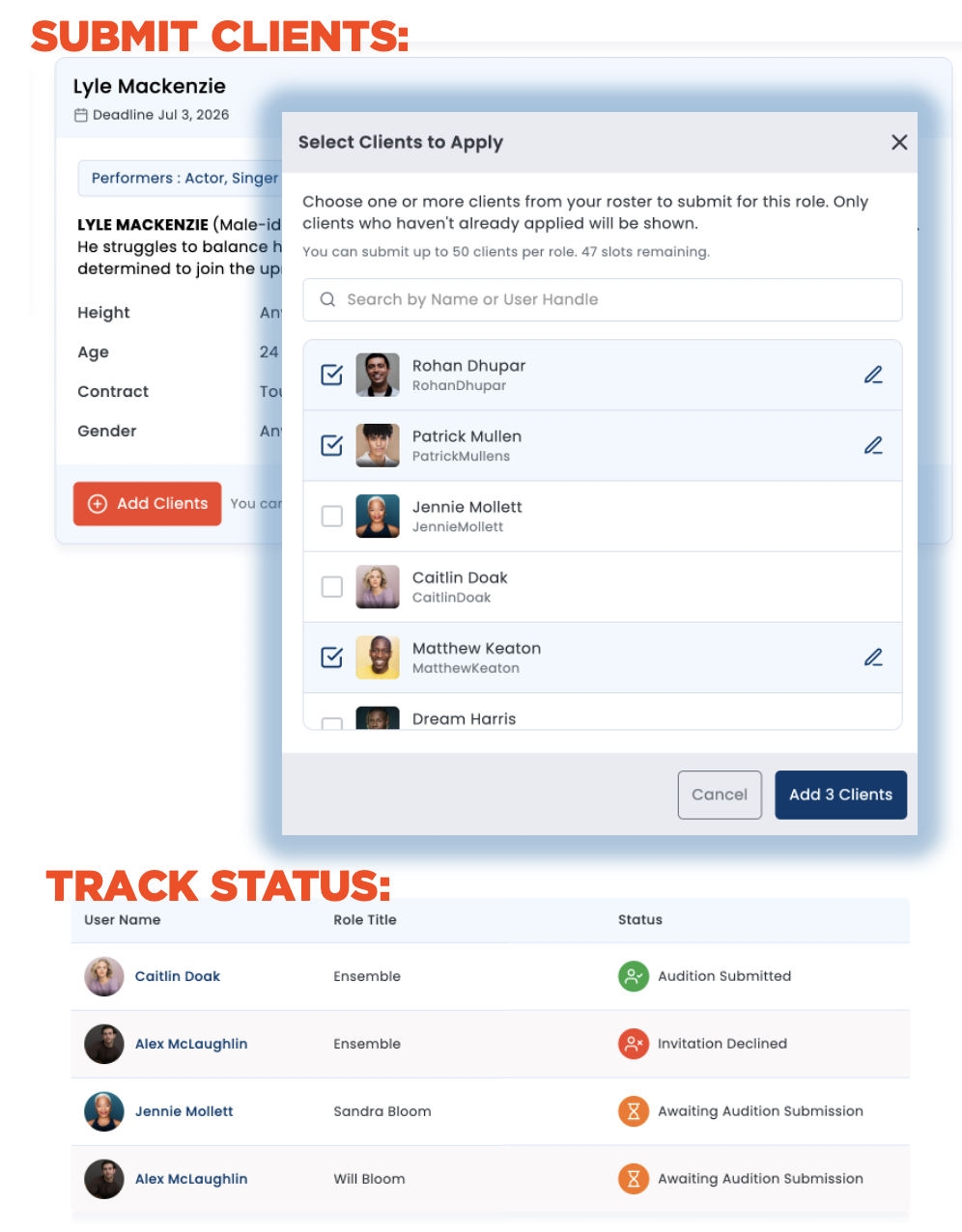
From the AGENT HUB you can submit clients for work.
SUBMIT CLIENTS FOR JOBS:
Add clients from your roster to roles they may be right for.TRACK STATUS:
Once you have submitted clients for work, you can see if:AUDITION INVITATION: Client was invited to submit materials.
ACCEPT or DECLINE: Client has either accepted or declined the invitation.
AWAITING AUDITION: Client has accepted but not yet submitted materials.
AUDITION SUBMITTED: Client has uploaded submission materials. -
Once you have added AGENT or MANAGER to your profile, you will receive notification to certify your agent status.
Contact our AUDITION CONCIERGE

What Our Clients Say
Using Stage Door is a fantastic experience. The platform is intuitive, making it easy to connect with exceptional professionals in the industry.
We were able to communicate our contract details and hiring needs quickly, and within no time we found the ideal people to join our team.
Stage Door made the entire recruitment process efficient, professional, and stress-free.
-- Chris Smith, Colony Point Creative

The Stage Door platform allowed us to simply manage the over 1,000 applicants for our production without having to look through endless folders and emails.
The fact that our entire team can see everything at a glance, including seeing notes and preferences, made our casting and hiring process so seamless and simple - no small task for our giant cast.
What a time and energy saver!
-- Jeff Whiting, The Lost Colony
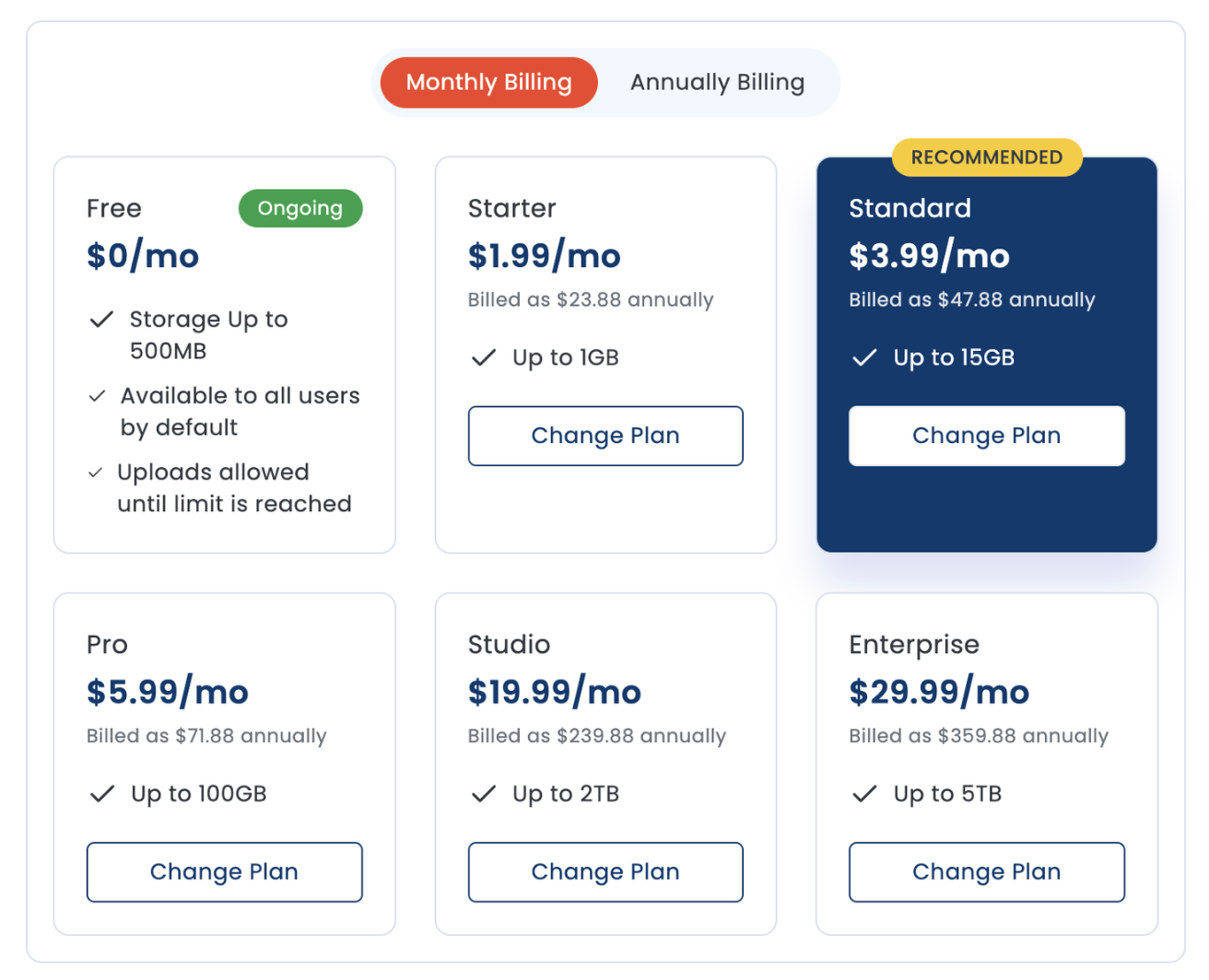
All the tools are FREE!
The only charge is for Extra storage
500MB of storage is included
If you need extra storage, it’s very affordable:
You can monitor and manage your storage usage by tapping on your Storage & Billing tab found if you tap on your profile icon on the top right when you are logged into your account.